What Causes Live Dealer Video and Betting UI to Get Out of Sync?
In the world of online casinos, live dealer video streams combined with interactive betting user interfaces (UIs) create a thrilling, immersive experience for players. But nothing kills that excitement quicker than noticeable video UI mismatch or synchronization issues between the live feed and the betting controls. In an industry where milliseconds matter, understanding the root causes of these problems is crucial for operators, engineers, and platform providers alike.
Drawing from insights across multi-camera studio productions, hardware evaluations from companies like MRQ, best practices promoted by the Society of Motion Picture and Television Engineers (SMPTE), and real-world constraints from mobile-first streaming, this post dives deep into the factors causing live dealer video and betting UI synchronization challenges.
Understanding the Live Dealer Streaming Ecosystem
At its core, the live dealer experience involves:
- A multi-camera studio setup capturing the dealer’s actions in real-time
- A lighting rig ensuring consistent visuals across camera angles
- An encoding and streaming pipeline delivering low-latency video streams
- A game-control system syncing video events with interactive betting UI elements
- End-user interfaces—online casino apps and mobile websites—rendering the dealer stream alongside dynamic betting options
Each link in this chain must function seamlessly to prevent any lag or mismatch. When video frames and bet updates drift out of sync, players notice delayed responses, mismatched game states, or worse — a loss of trust and engagement.
Multi-Camera Studio Production: More Than Just Cameras
While a single-camera feed is simpler to manage, the competitive edge for many operators is leveraging multi-camera setups that offer various dealer angles and action replays.
Challenge: Camera Synchronization and Switching Latencies
Each camera in the studio setup comes with its own sensor, exposure, and encoding delays. Although hardware tends to be synchronized via genlock or SMPTE timecodes—standards championed by the Society of Motion Picture and Television Engineers—the switching between multi-cam streams introduces encoding and buffering where misalignment can occur.
- What happens when the master camera lags by a frame or two? Downstream encoding buffers can cause visible jumps as switching occurs.
- Audio to video sync drift: Even minor discrepancies become apparent when the dealer’s voice or card clicks don’t line up with the visuals.
- Timing errors in game-control triggers: Multi-camera feeds must harmonize with backend gaming data to update UI events like bet confirms or card flips.
Investing in sophisticated switchers and cross-system synchronization protocols reduces but does not eliminate risks, especially as the latency budget tightens on mobile streaming.
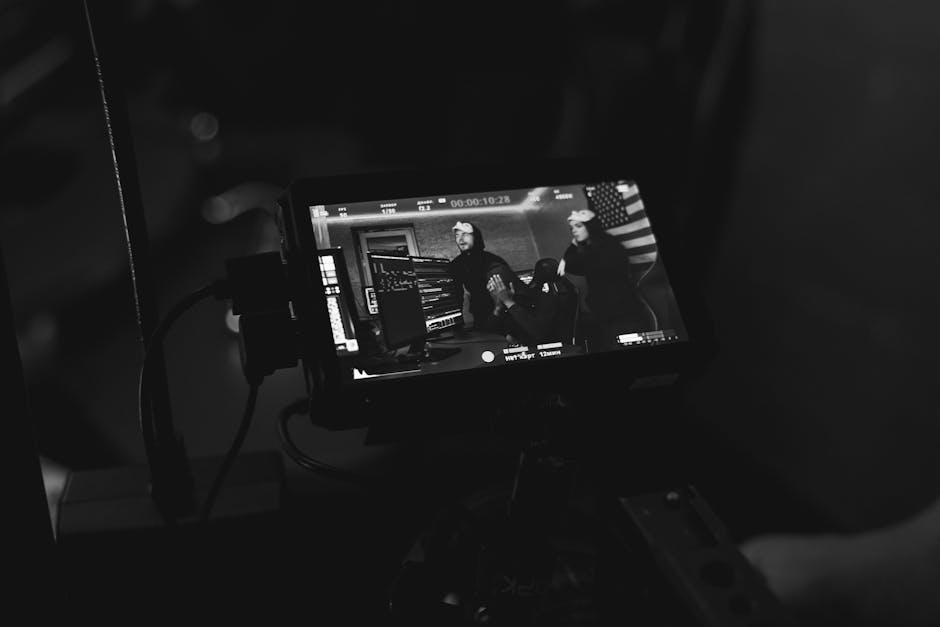
Lighting and Visual Consistency: The Unsung Hero of Sync
Lighting might seem unrelated to synchronization until you consider the user perception of timing. Fluctuating lighting conditions or inconsistent visuals across cameras add masking effects that make any timing drifts more noticeable.
Why it matters: If the dealer's table suddenly changes in brightness or color tone between shots or mid-hand due to uneven lighting or camera settings, the player's brain "flags" this as a disruption—even if the video is nominally in sync with the UI.
- Consistent, controlled lighting ensures smoother visual transitions and helps players mentally "bridge" between video and UI actions.
- Hardware tested by companies like Hardware Times highlights how thermal changes over long sessions impact sensors or LED lighting quality, introducing slow drifts in brightness.
- Operators must plan extended shoot durations (what happens when this box overheats at hour 9?) to avoid degradation in visual fidelity impacting perceived sync.
Mobile-First Streaming Constraints
The reality is most players access live dealer games through online casino apps or mobile websites. These environments impose particular constraints on streaming:
- Variable network conditions: Mobile users encounter fluctuating bandwidth, introducing jitter and buffering.
- Device hardware limitations: Phones and tablets have limited processing power affecting decoding speed.
- Adaptive streaming protocols: Systems like HLS or DASH dynamically adjust quality and bitrate, risking chunk misalignment.
These factors interplay with the synchronization challenge:
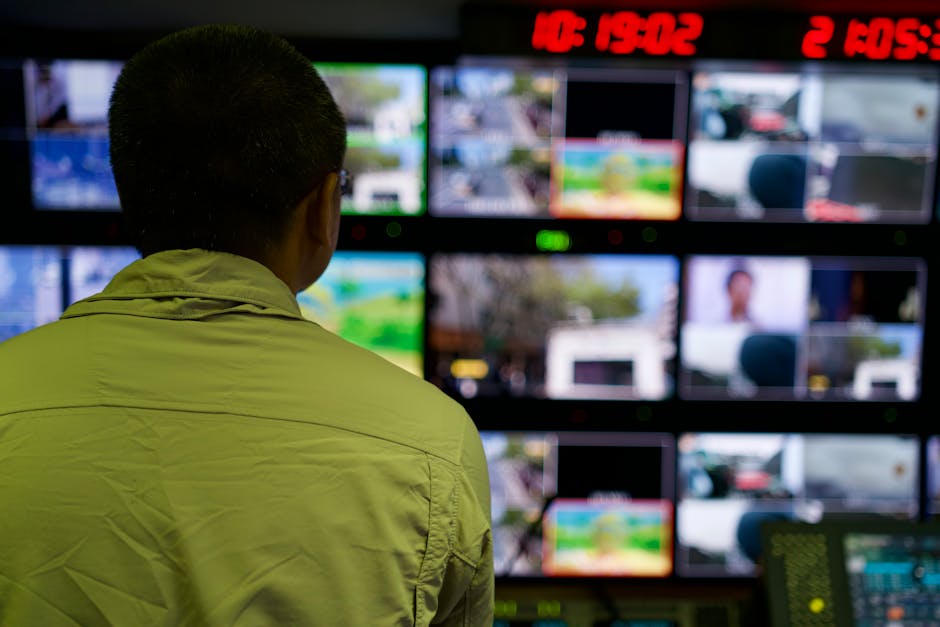
- Video frames might display with delay due to buffering, but UI elements often update instantly, causing mismatches.
- Some mobile browsers have stricter constraints on video element buffering that reduce latency but increase frame skip.
- Custom online casino apps can use WebRTC or proprietary low-latency protocols, but tradeoffs like quality drops are common.
Best practices on mobile-first environments:
- Align UI update triggers with confirmed video frame render times rather than assuming instant delivery.
- Implement latency compensation buffers with dynamic sizing based on network conditions.
- Use timestamped metadata embedded in streams to synchronize UI and video events precisely.
Encoding and Compression: The Latency and Quality Tug of War
Encoding is the bottleneck for many synchronization problems. Live streams undergo compression algorithms to reduce bandwidth, often using H.264, H.265 (HEVC), or newer formats.
Here’s where things get tricky:
- Encoding latency: Each frame takes time to compress. Higher compression equals higher latency.
- Keyframe intervals: Frequent keyframes improve seek accuracy and synchronization but increase bandwidth.
- Buffering strategies: To smooth playback, decoders buffer multiple frames, adding delay.
For game-control system timing, the encoder’s output timestamps must be reliable and low latency to update betting UI controls in near real-time. Slight timing drifts accumulate over a long session, leading to video UI mismatch.
Companies like MRQ, which specialize in real-time streaming infrastructure, pay close attention to encoder hardware evaluation and pipeline optimization to minimize these delays.
Summary Table: Common Causes of Video UI Mismatch and Their Impacts
Cause Description Impact on Sync Mitigation Strategies Multi-camera delay and switching Different camera feeds introduce latency and inconsistencies in switching. Out-of-sync video angles; delayed UI event triggers. Use SMPTE timecode sync, genlock, low-latency switchers. Lighting variations and hardware heating Uneven lighting or sensor drift affects visual consistency. Perceived sync errors due to sudden visual changes. Stable lighting design, monitor hardware temps over long sessions. Mobile network variability Fluctuating bandwidth and device decoding capabilities. Jitter, buffering, UI updating faster than video playback. Adaptive bitrate streaming with dynamic buffering, timestamp metadata. Encoding latency and buffering Compression adds delay; buffering smooths playback. Time drift accumulates; video lags behind UI or vice versa. Optimize encoder settings, reduce GOP size, hardware acceleration.Final Thoughts
Addressing video UI mismatch and synchronization issues in live dealer streams is a system-wide effort. Each component—from multi-camera studio setups, through lighting and encoding, to final delivery on mobile apps and websites—plays a critical role.
Operators and technology partners should leverage industry standards like those from SMPTE, collaborate with specialists such as MRQ, hardware encoder and continuously monitor hardware performance as spotlighted by reviewers like Hardware Times.
Remember to always ask: what happens when this box overheats at hour 9? and keep refining synchronization checkpoints to maintain player trust and engagement in the fast-paced world of online live casino gaming.